
WiFi Manager - Google Play
You'll be able to see results in few seconds.
Publisher Description
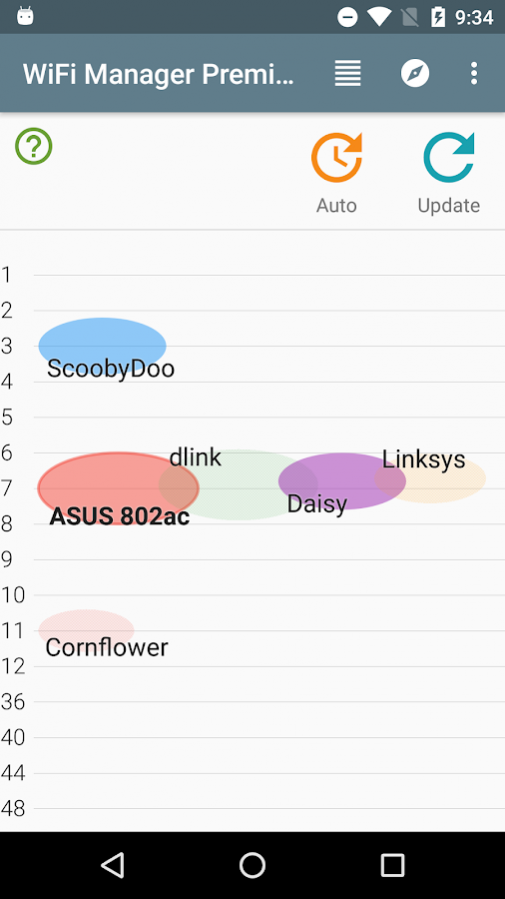
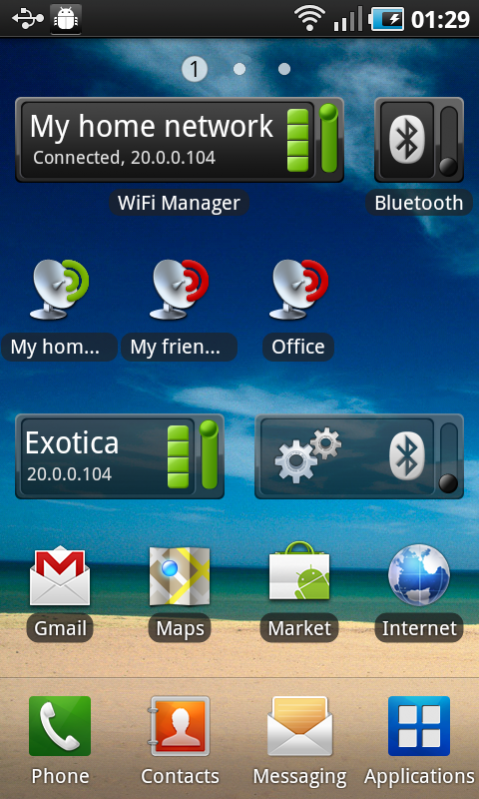
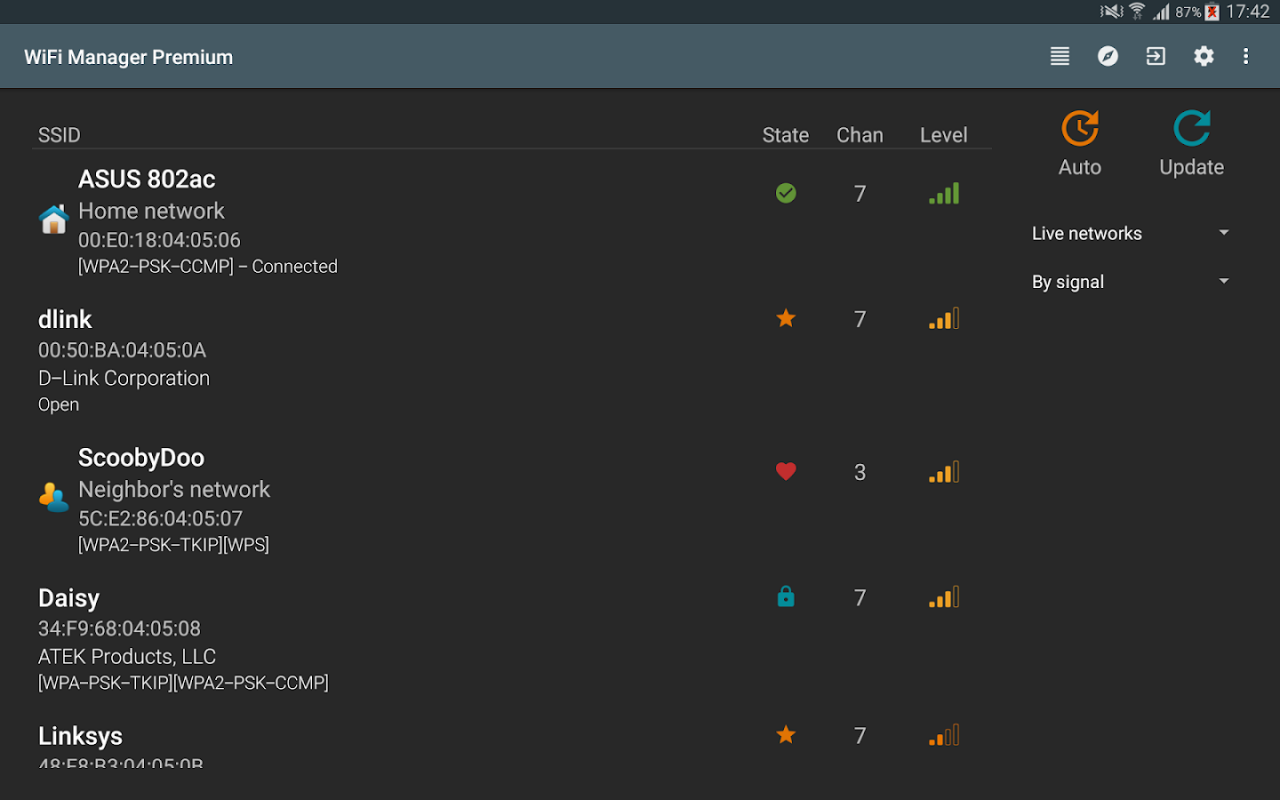
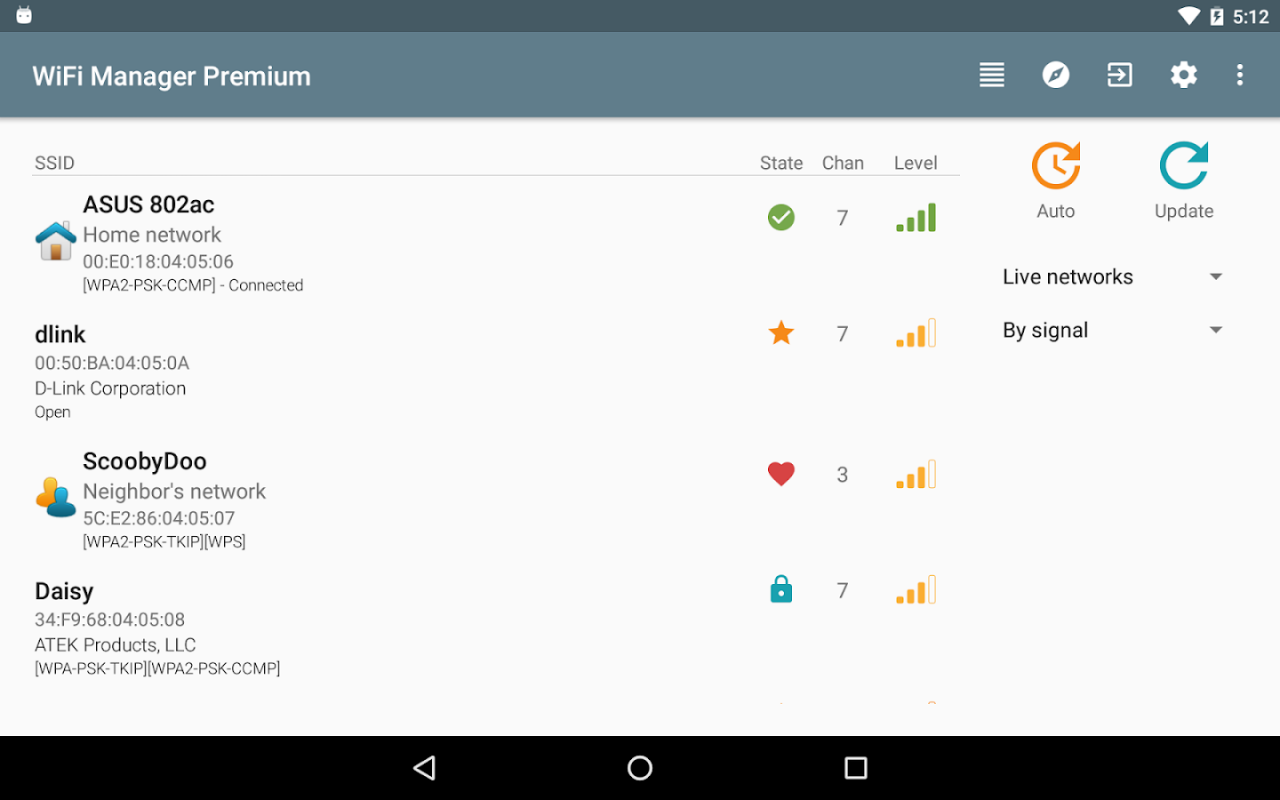
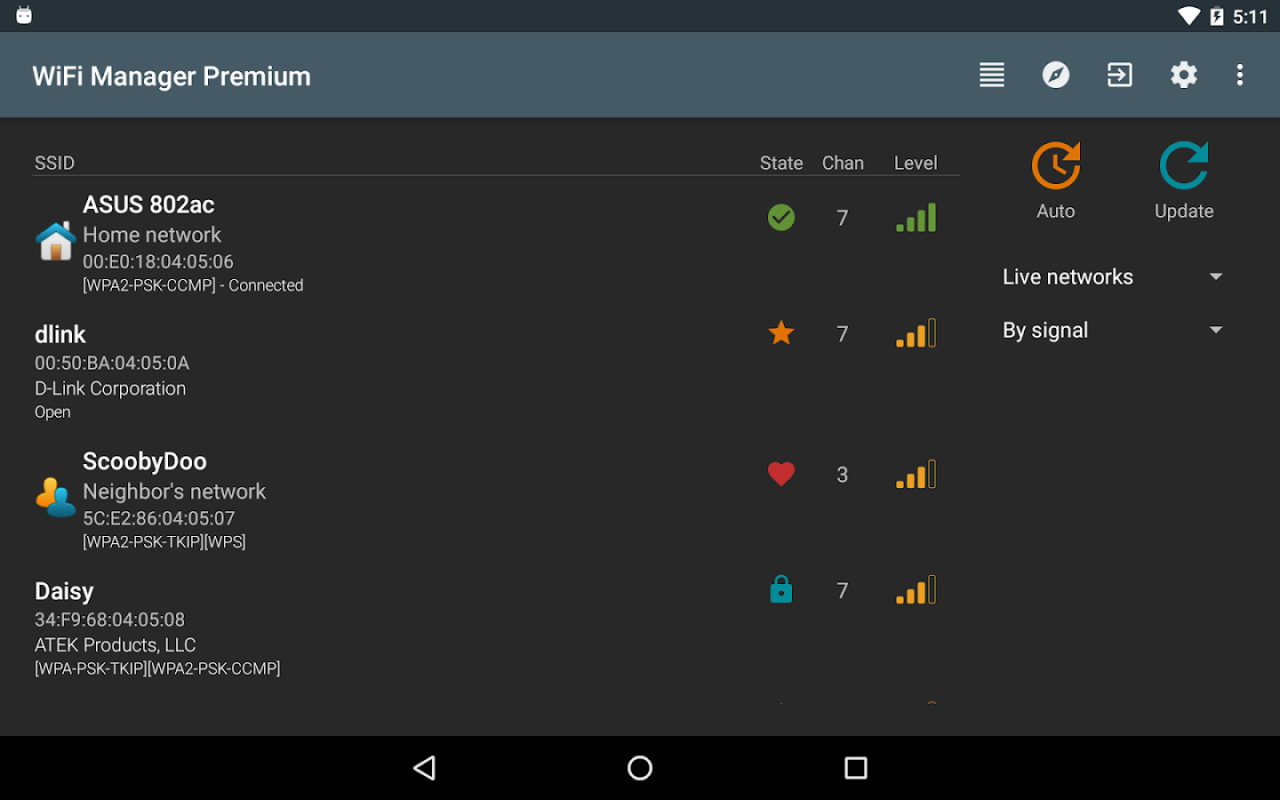
Find, connect, manage WiFi networks. Improve connection quality with a channel radar. Discover open networks around you. Set the app to scan for and switch to best network.
Includes home screen widgets:
- detailed connection info
- connect to a network with a single tap
- toggle "best network switcher"
New and improved:
• Better compatibility with Android 6+.
• Updated design.
• Assign your own descriptions and icons to individual WiFi networks - never forget what that "XYZ1234" network is.
• Connect to a network with a single tap by using the WiFi Network Switcher widget.
• "Best network switcher" scans for and switches to a better network if found (out of those configured, off by default, please see app settings);
Some features require the premium package, available right in the application through Google Wallet:
Per-network options (description, icon, IP address), the one-tap connect widget, and two widget themes inspired by Android 5.*.
All the other - essential - features are free: the widget with detailed connection info (four sizes, two free themes), scanning and connecting to networks, the network list view, the network signal radar, the "best network switcher".
Orders are processed by Google and can be reactivated after a phone reset / flash, or on a new phone.
The free version contains ads. The full (premium) version is completely ad-free.
Permissions:
"Prevent phone from sleeping" is needed for automatic scanning and discovery open networks around you.
"Storage" is for notifications about open networks, when enabled, and the sound file is picked from storage. Also used to back up / restore your per-network icons / descriptions to / from a file (in the menu on the app's main screen).
"Change system settings" used by the "access point / tether" widget.
"Market billing service" for purchasing the "premium" version.
•••
If you have an issue or a question, you can reach me at kmansoft@gmail.com.
•••
About WiFi Manager
The company that develops WiFi Manager is Kostya Vasilyev. The latest version released by its developer is 1.0 .
To install WiFi Manager on your Android device, just click the green Continue To App button above to start the installation process. The app is listed on our website since 2017-12-31 and was downloaded 0 times. We have already checked if the download link is safe, however for your own protection we recommend that you scan the downloaded app with your antivirus. Your antivirus may detect the WiFi Manager as malware as malware if the download link to org.kman.WifiManager is broken.
How to install WiFi Manager on your Android device:
- Click on the Continue To App button on our website. This will redirect you to Google Play.
- Once the WiFi Manager is shown in the Google Play listing of your Android device, you can start its download and installation. Tap on the Install button located below the search bar and to the right of the app icon.
- A pop-up window with the permissions required by WiFi Manager will be shown. Click on Accept to continue the process.
- WiFi Manager will be downloaded onto your device, displaying a progress. Once the download completes, the installation will start and you'll get a notification after the installation is finished.
Program Details
System requirements
Download information
Pricing
Version History
version
posted on 2017-12-31
4.2.0:
- New setting: "easy mode" combines networks based on SSID (how it used to work before 4.1).
4.1.*:
- Display network hardware vendor names. Can be turned off in settings.
- Backup and restore of per-network descriptions and icons to / from a file. In the menu.
- Added support for Android's "backup and restore" for per-network descriptions and icons.
- A widget to toggle "best network switcher".
- The free version now contains ads. There are no ads in the full (premium) version.
version 3.6.0.5
posted on 2015-12-27
3.6.0.5,Bug fix in "single tap network switch" widget.,Updated for Android 6.,Fixes and improvements in "best network switcher" for 5Ghz.,Enabled searching for "best network" even if the current network connection is good (in case there is a better one).,Added settings -> auto-scan on start.,New "Location" permission is necessary to get the list of scanned networks on Android 6. Your (user's) actual location is not interesting to me at all.
version 4.7
posted on
Disclaimer
Official Google Play Link
We do not host WiFi Manager on our servers. We did not scan it for viruses, adware, spyware or other type of malware. This app is hosted by Google and passed their terms and conditions to be listed there. We recommend caution when installing it.
The Google Play link for WiFi Manager is provided to you by apps112.com without any warranties, representations or guarantees of any kind, so access it at your own risk.
If you have questions regarding this particular app contact the publisher directly. For questions about the functionalities of apps112.com contact us.
